
Complete bare metal and KVM automation
VirtlixCP is a complete, self-hosted automation platform for bare metal dedicated servers and KVM virtual servers, for hosting providers of any size.
Self-hosted on AlmaLinux or Rocky Linux. One license covers dedicated servers and VPSes together.
What is VirtlixCP?
VirtlixCP is the control panel hosting providers install on their own server to run dedicated servers and KVM virtual servers. It talks to your hardware directly: it reinstalls servers over the network, powers them through IPMI and PDUs, sets switch ports, tracks bandwidth and hands out IP space.
Your clients get their own area to reload, reboot and manage what they rent, so your team stops doing it by hand. With the WHMCS modules for bare metal and VPS, orders are set up on their own, and everything is also available through the API.
Built to run a hosting business
The work that used to need someone in the datacenter, done by the panel.
Unattended OS reloads
Linux, Windows Server and rescue tools installed over PXE, with RAID 1 and the login emailed when it is done.
Client area for your tenants
Clients power, reload and watch their own servers and VPSes, with permissions you grant and can take back.
Bandwidth tracking
Usage per switch port and per VPS, with reports for clients and automatic suspension on overage or abuse.
KVM virtual servers
Turn any server into a hypervisor and sell VPSes next to dedicated servers, from the same IP pools. Bring existing VPSes over from Virtualizor, SolusVM or Proxmox VE.
Works with your hardware
IPMI from Supermicro, Dell, HP and ASRock Rack, APC PDUs, and switches from Arista, Juniper, Cisco, Brocade, Dell, FS and MikroTik, ready out of the box.
WHMCS modules and API
WHMCS modules for bare metal and VPS: orders are provisioned, suspended and terminated on their own. Or use the API from your own code.
The panel
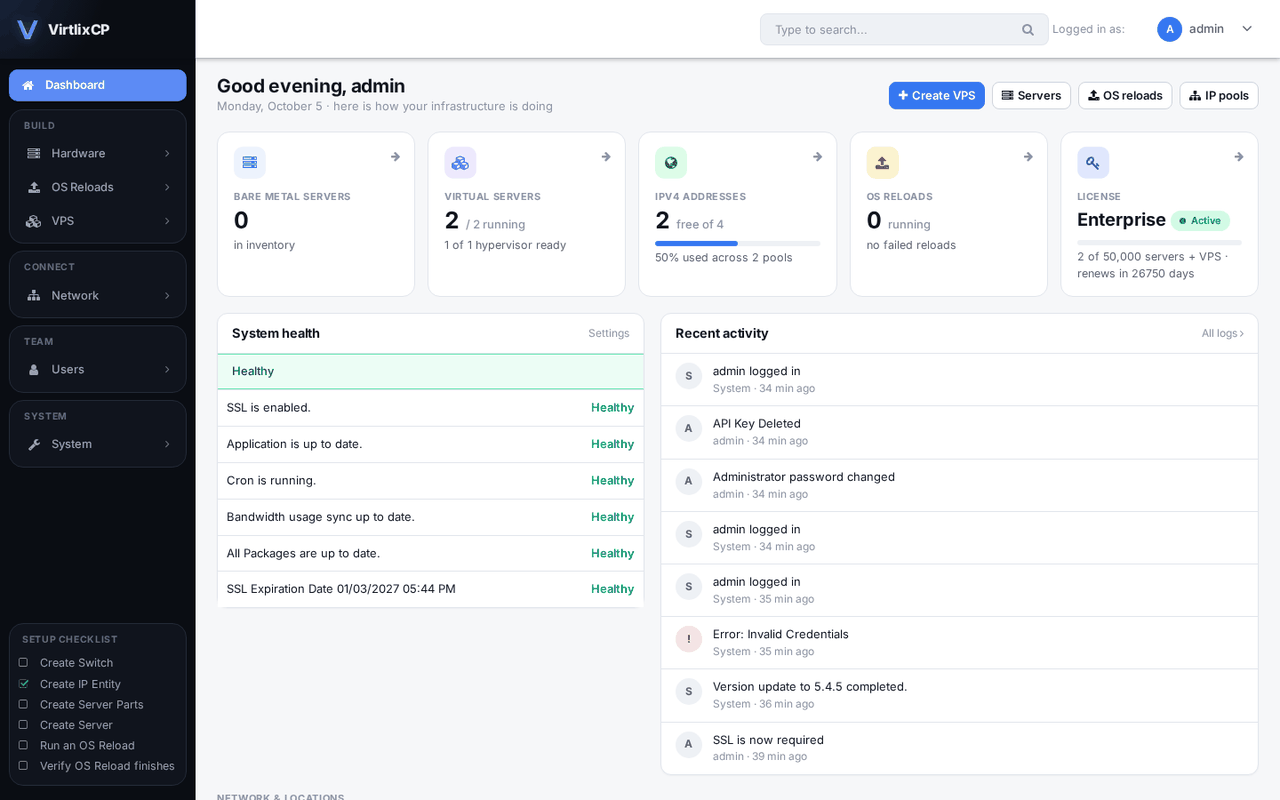
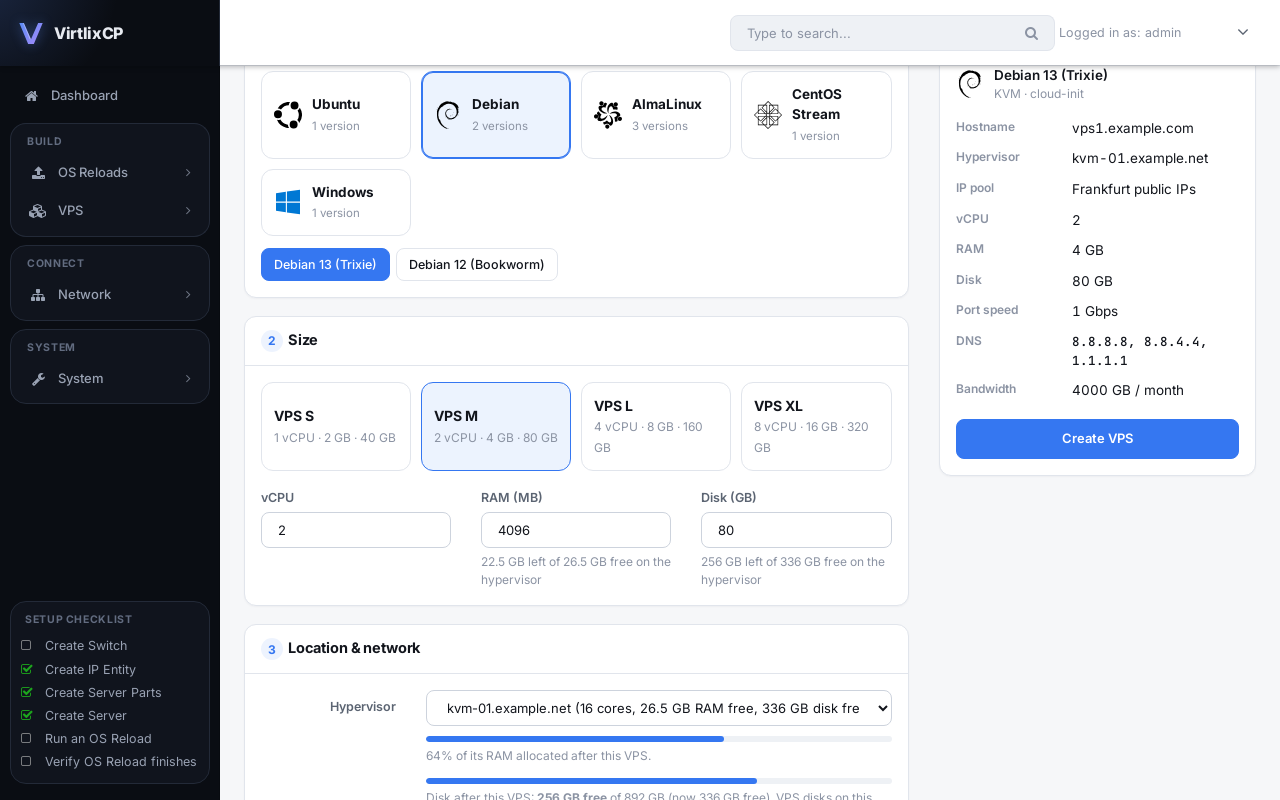
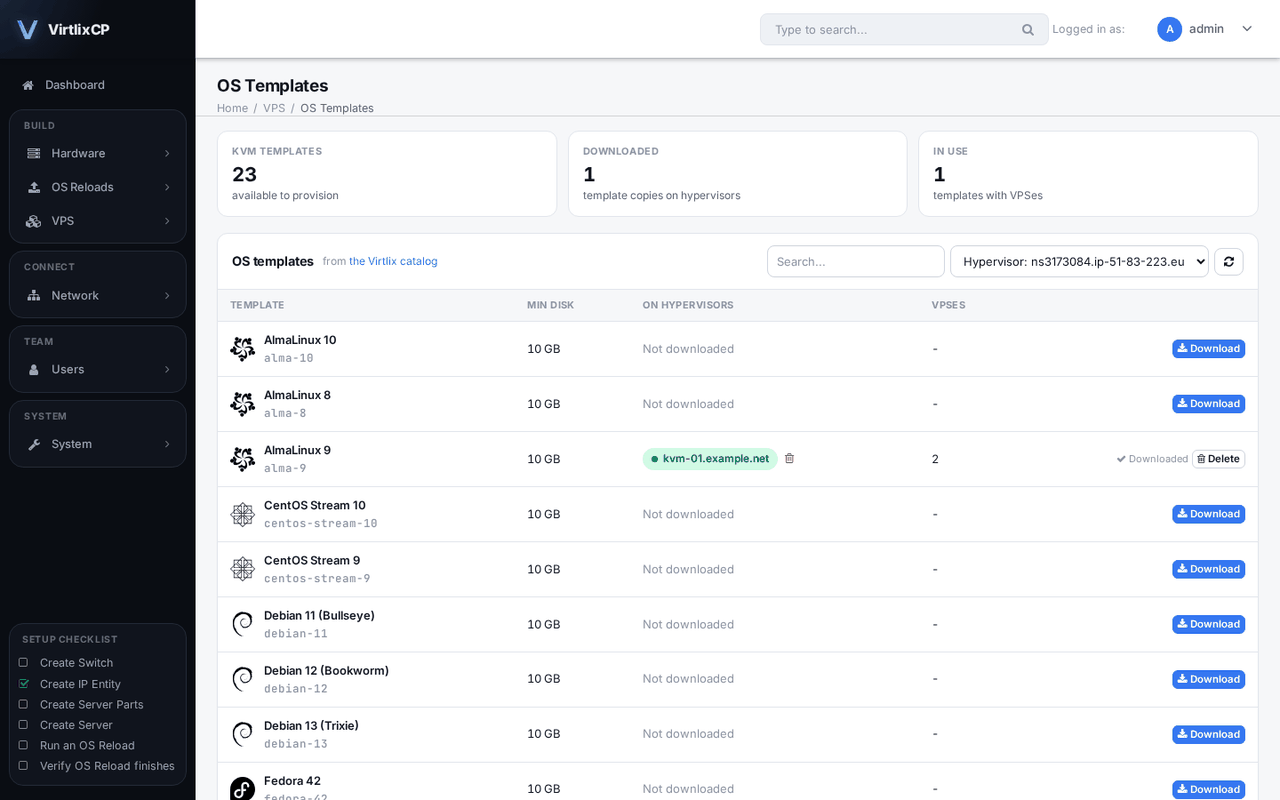
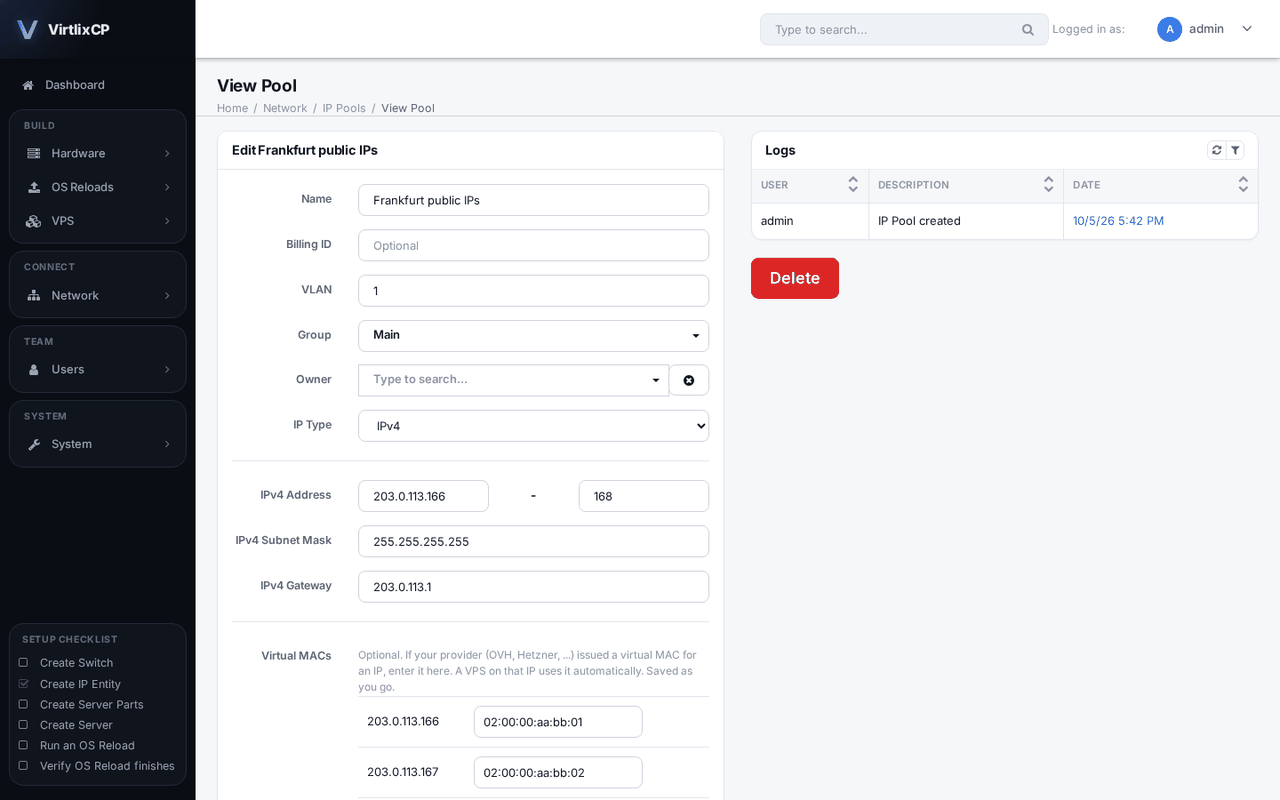
Real screens from a VirtlixCP install.
What happens when a client clicks Reinstall
- The panel queues it
The OS reload is checked against the server's IPs, switch port and IPMI details.
- The server boots from the network
IPMI sets network boot and power cycles it. VirtlixCP's DHCP and file server hand it the installer.
- The OS installs itself
Partitions, RAID 1, network and your scripts are applied with no one touching the machine.
- The client gets access
The server boots from disk and the login details arrive by email.
Install VirtlixCP
One command on a fresh server. The installer sets up the panel, its database, SSL, the PXE services and a hypervisor on the same machine.
What you need
Server
- A fresh minimal install of AlmaLinux or Rocky Linux 8 or 9, with root access
- At least 4 CPU cores, 8 GB of memory and 80 GB of disk for the panel and OS reload images
- More disk if this server will also host VPSes, and Intel VT-x or AMD-V enabled in the BIOS
Domain names
Point three names at the server before you install:
| Name | Used for |
|---|---|
panel.example.com | Client area |
admin.panel.example.com | Admin area |
api.panel.example.com | API, used by both areas |
Network
- Open ports 80 and 443 for the panel
- For OS reloads, your servers must reach the panel on UDP 67 and 69, TCP 445 and TCP 4000 to 4003. Point your switch's DHCP relay at the panel's IP if the servers are on another VLAN
Install
Run as root on the new server
curl -fsSL https://virtlix.com/install-bm.sh -o install-bm.sh
bash install-bm.sh key=YOUR-LICENSE-KEY domain=panel.example.com
/var/log/virtlix-bm-install.log. Your license key locks to this server's IP the first time it is used.Install options
| Option | Default | What it does |
|---|---|---|
key= | required | Your license key |
domain= | required | The client area domain; admin. and api. are added in front of it |
email= | admin@domain | Email address of the first admin |
site_name= | VirtlixCP | Name shown in the panel |
hypervisor=no | yes | Don't add this server as a KVM hypervisor |
vps_network= | routed | How VPSes reach the network: routed, bridge:br0, direct:eth0 or nat |
After the install
- Sign in at
admin.panel.example.comand turn on SSL under System, Settings - Add your IP ranges under Network, IP Pools. If your provider gave you virtual MACs, enter them next to each IP
- Add switches and servers, or create your first VPS under VPS, Create VPS
- Install updates later with
virtlix-bm --update, or from the panel
Troubleshooting
dig +short admin.panel.example.com.grep -cE 'vmx|svm' /proc/cpuinfo must not return 0.Ready to get started?
Pick a plan for the number of servers you run. One license covers dedicated servers and VPSes together, and you can change plans any time.